Free Design Resources, Page 8
1297 free resources from six categories including mockups, graphics, templates, themes, and more

Easily Make a Laurel Wreath in Illustrator
Step 1 Open Illustrator and make a new file at any size you want. In this case I will make mine at 1...

Easily Make a Soft and Natural Photo Look in Photoshop
Please, keep in mind that every image is unique, so the settings I will show you here should be take...

Photoshop Layer Blending Modes Explained
To better see how each blend mode affects the layer, I will use a simple "test screen" which contain...

How to Easily Make a Pattern Fill in Photoshop Using Any Image
Step 1 Open Photoshop and make a new file at any size you want. In this case, I will make mine at 18...

How to Make a Wavy Line Text Effect in Photoshop
Step 1 Open Photoshop and make a new file at any size you want. In this case, I will make mine at 18...

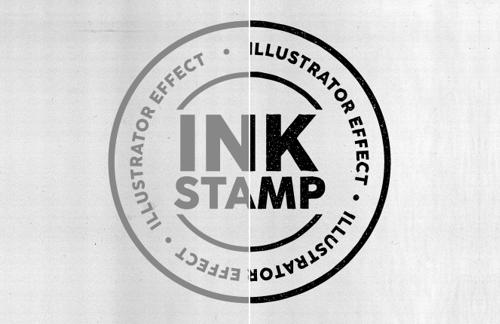
How to Make an Ink Stamp Effect in Illustrator
Step 1 Open your graphic in Illustrator. Step 2 Set your graphic color to #858585. Step 3 With your ...

How to Make a Soft Caramel Look in Photoshop
Step 1 Open your image in Photoshop. Step 2 Go to Filter > Camera RAW Filter. Step 3 Expand the "Lig...

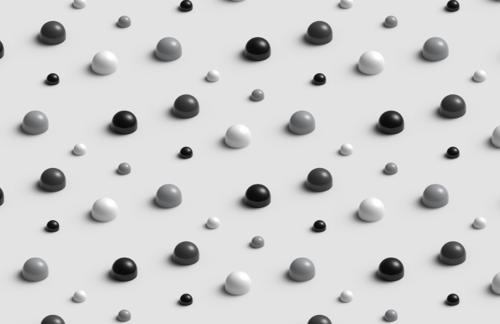
How to Make a 3D Pattern in Illustrator
Step 1 Open Illustrator and make a new file at any size you want. In this case I will make mine at 9...

How to Make a Faded Text Effect in Illustrator
Step 1 Open Illustrator and make a new file at any size you want. In this case I will make mine at 1...

Easily Apply a Motion Blur Effect On Any Image
Step 1 Open your image in Photoshop. Step 2 Press Ctrl+J on your keyboard to duplicate the backgroun...
Want More?
Get curated design picks delivered straight to your inbox