Free Design Resources, Page 2
1297 free resources from six categories including mockups, graphics, templates, themes, and more

How to Create a Flame Text Effect in Photoshop
Step 1 Open Photoshop and make a new file at any size you want. In this case, I will make mine at 18...

Make an Editable Halftone Photo Effect in Photoshop
Step 1 Open your image in Photoshop. Step 2 Press "D" on your keyboard to reset the Foreground and B...

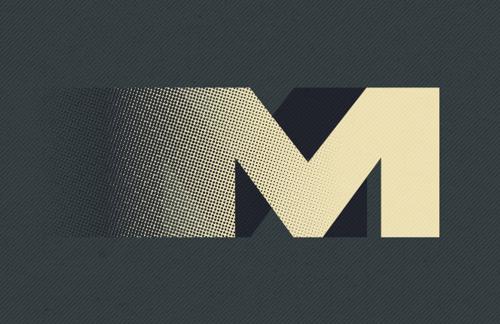
How to Easily Create a Halftone Dispersion Effect in Photoshop
One of the great things about this method is its versatility—you can apply it to text, shapes, or ev...

How to Create a Professional Faded Look in Lightroom
Step 1 Open your image in Lightroom. Step 2 Go to the Develop tab. Step 3 Expand the "Basic" tab and...

Create a Circular Mosaic Photo Effect in Illustrator
This method is quick, lightweight, and ideal for giving portraits, landscapes, or product shots a mo...

How to Remove Window Reflections in Photoshop
Step 1 Open your image in Photoshop. Step 2 Go to Filter > Camera RAW Filter and click on the "Open ...

7 Free Tools to Create Eye-Catching Gradients
But designing a good gradient — one that feels smooth, intentional, and aesthetically balanced — can...

How to Add a Basic Warm Look to Any Photo in Lightroom
Step 1 Open your image in Lightroom. Step 2 Go to the Develop tab. Step 3 Expand the "Basic" tab and...

How to Easily Make a Broken Text Effect in Illustrator
Step 1 Open Illustrator and create a new file at any size you prefer. In this case, I’ll use 1800 x ...

Make a Live Grungy Grain Photo Effect in Photoshop
Step 1 Open your image in Photoshop. Step 2 Go to Layer > New > Layer. Name the layer "Grungy Grain"...
Want More?
Get curated design picks delivered straight to your inbox