Sleek Website Mockups
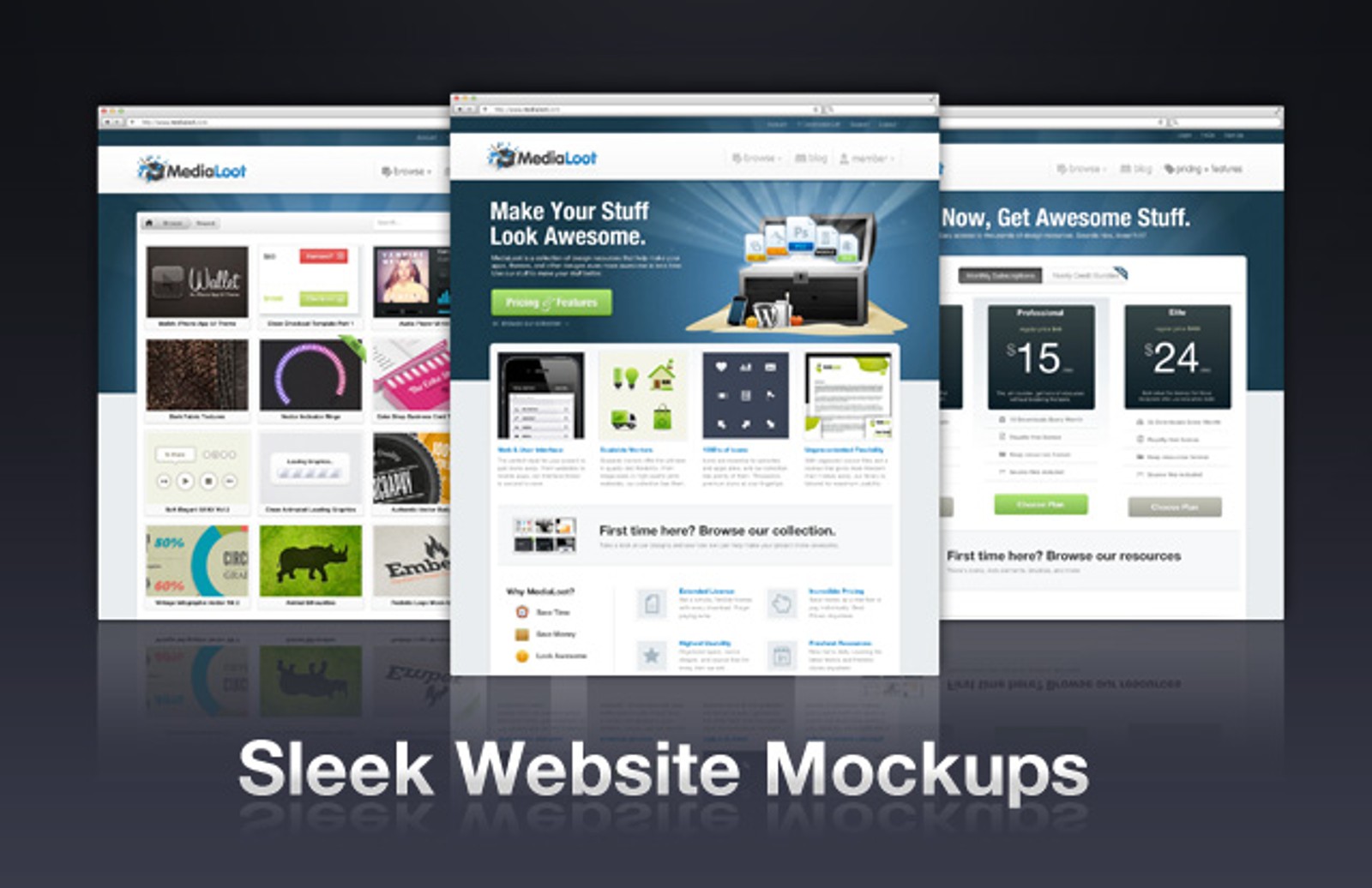
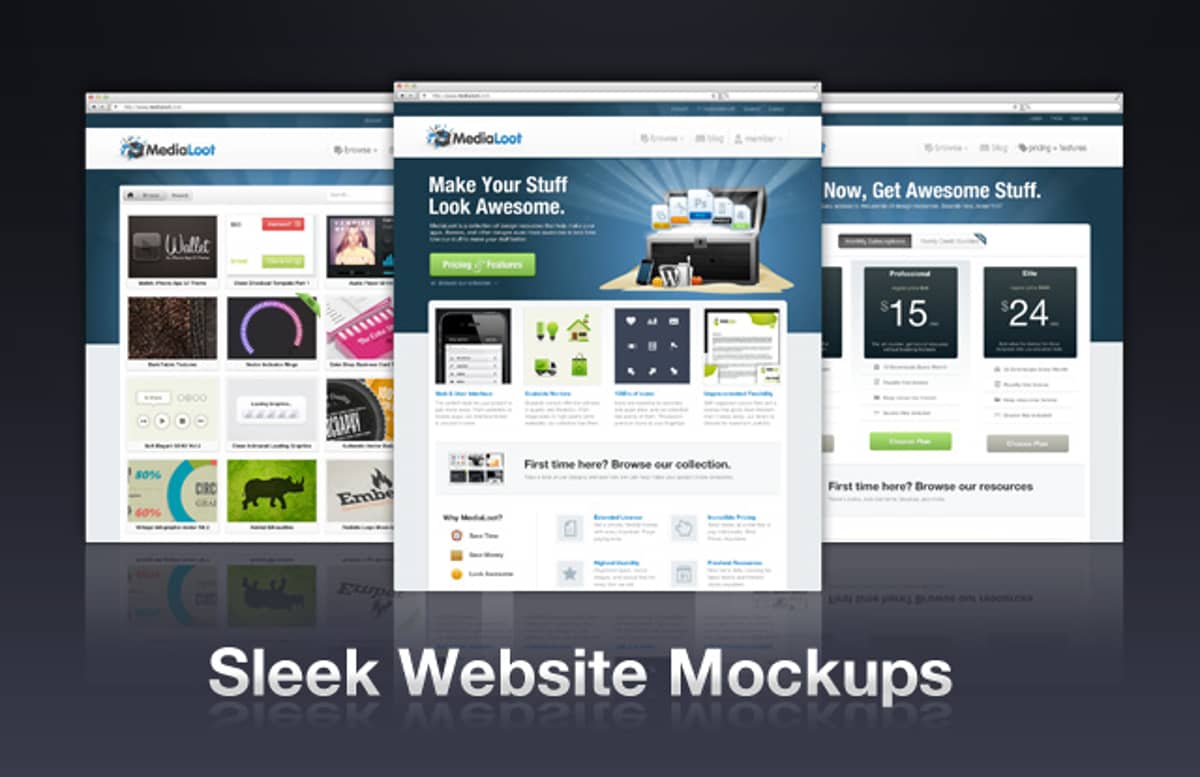
Display your websites in style with these mock-up templates, perfect for use in your portfolio and high enough resolution to print out. Just update the Smart Objects with screenshots of your web projects and Photoshop does the rest of the work for you.


Comments
When I update the smart objects the stretched layouts how the image ‘straight’ but cropped to the stretched shape, if that makes sense. For example the layout you’ve got as the number 2 example above doesn’t ‘angle’ or ‘stretch’ when I update the smart object and looks like a straight image cropped to the stretched shape.
I’m using PS CS3. Is there something I’m doing wrong?
Hi JmsCrk
That’s strange behaviour, are you simply replacing the Smart Object layer with another layer, or double clicking the Smart Object , updating and saving it?
I’m double-clicking the smart object and it opens in its own window. I then paste my screenshot in and position it over the tempalte one. (At this point I have tried flattening the layers with the smart object to see if it makes any difference later on, but it doesn’t.)
When I save the smart object and close it, the other file updates, but as I said,t he perspective is all wrong. I can send you a screenshot if you like?
It sounds like you’re doing everything right, can you send an email to .(JavaScript must be enabled to view this email address) with a screenshot? and we’ll figure out exactly what the problem is.
- Thanks, Tony
Hi Tony,
can you add the magnifier from screenshot 3?
Thanks, Jakob
Hi jschweighofer
You can download the magnifier in this set: Magnifying Preview Loupes
-Tony
Thanks for the fast answer, great!
JmsCrk, I bet your image size is too far off. When I replaced the smart object (you can just right click and replace to speed things up) with a screen grab that was too tall it totally whacked the perspective.
I am using Paparazzi with a huge minimum size and crop size of 1200 x 1350 and they drop in beautifully! Highly recommended.
This is really a great tool, thank you!
Thanks Jacob - I get that will be it. I’ve been slotting in full length screen grabs.
Actually no, that didn’t fix it - I’ve sent you some info Tony, thanks for looking at this for me.
Is there more than just the one site in this download? Looks like on design featured in the preview. Says 91 downloads does that mean 91 different site design mockups?
@Lee Jackson:
This download is a Photoshop .psd file that displays your own website designs in the same style as that shown in the preview image.
In the preview image we have used our own medialoot.com design, you can replace this image with your own screenshots for presentation purposes.
-Tony
So its just one PSD file of this site essentially? I was looking at purchasing through AppSumo reader offer and got the impression there were website templates I must have been wrong. Thanks.
Ah! I am a turnip! I didnt notice your filters on the right! I found the templates now! Sorry!
waw,cool,I like it !