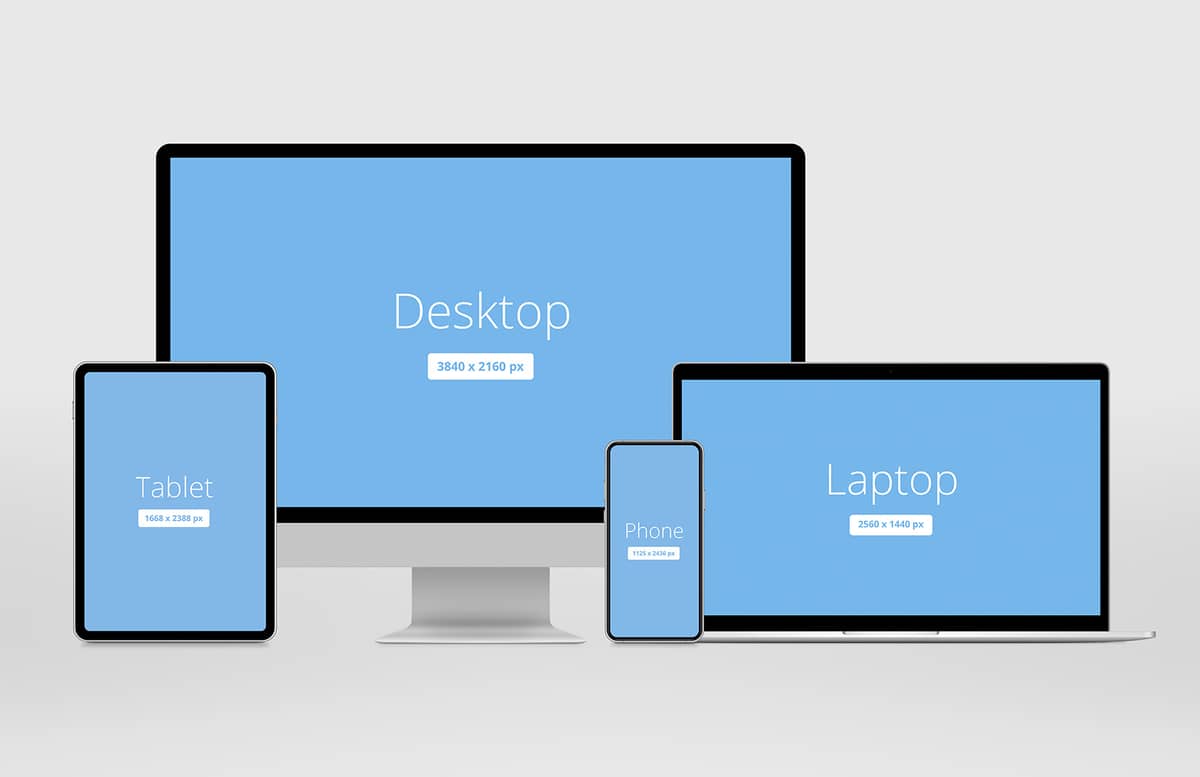


Responsive Showcase Mockup Pack
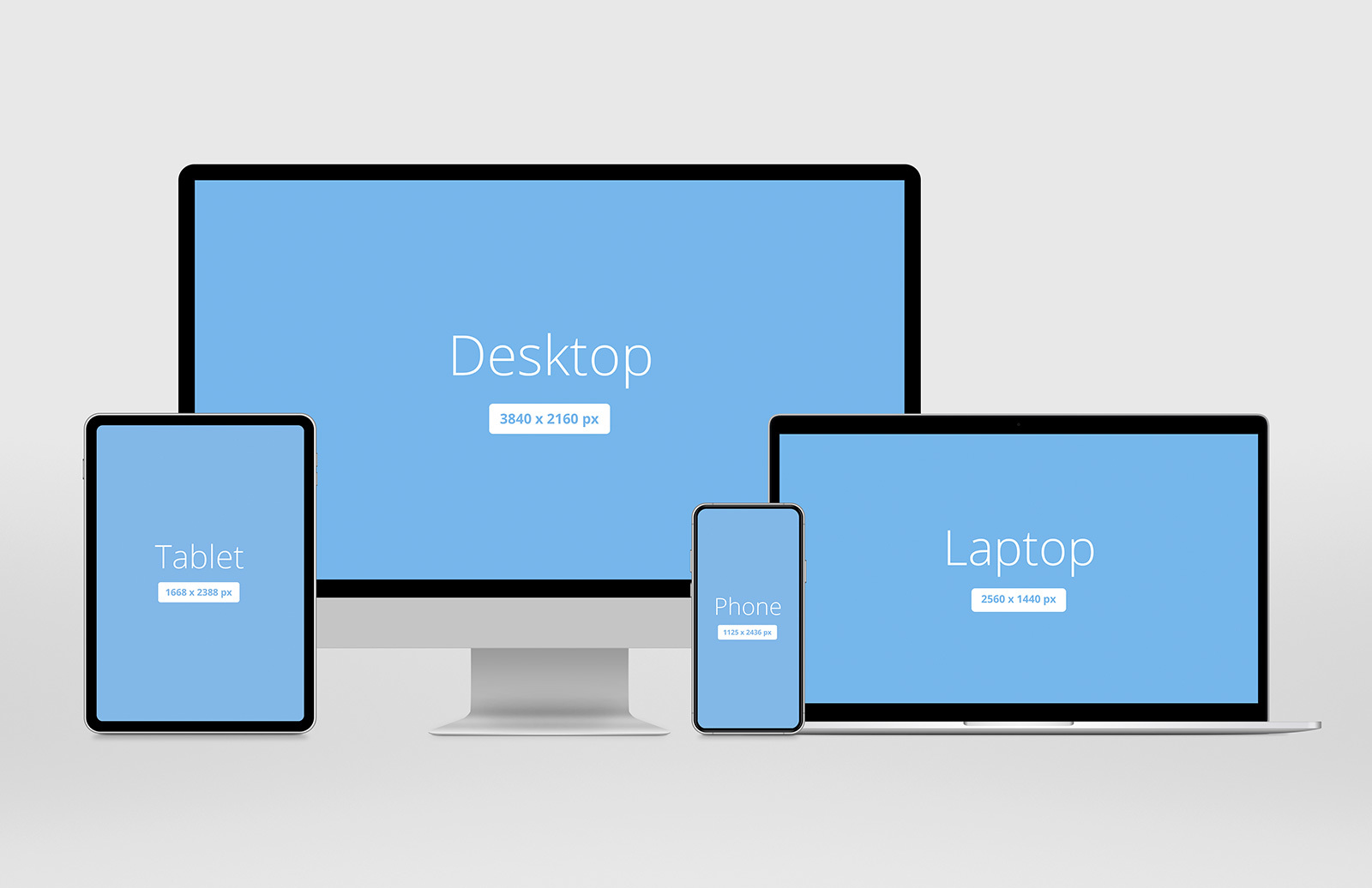


This freebie is another update to our huge collection of screen mockups for your responsive designs. The included Photoshop .psd file uses Smart Objects to place your design screenshots onto the showcase displays. The pack includes 4 modern devices in a simple layout to get you started, but we encourage you to move things around and create your own!
Update - Jan 23 2020
This resource has been completely recreated from scratch, it now features:
- New modern devices that resemble but do not directly correlate to any real world equivalents
- Scalable vector based graphics
- Much higher 6000 x 3000 pixel default size
- Customizable device colors
- Background lighting
Free License
Feel free to download and use this item for both personal and commercial projects with attribution back to MediaLoot. Please note:
- Attribution is required for free items. For a non-attribution license, please become a member or buy the full version.
- You may not distribute or offer this set for download on other websites. Promotion is always appreciated, but please send people to this page.
More from Mockups > Web & Mobile


Newest Designs:


All Tags
Professional Customization

This package is for a professionally created mockup based on this Medialoot resource. We will customize your design and content to look just like the preview images but with your images, logo, text, and colors.
What we can do:
- add your text, images, and/or logo
- change the colors of the mockup
- change or add a background image behind the mockup
- resize and deliver at your specifications
What we can't do:
- change the mockup itself: what you see in the previews is what you'll get
- change the perspective of item being mocked-up
- create a mockup that's different from this resource
- add or design other elements that aren't shown in the previews
Deliverables
Our designers will send you the final customized mockup in high-resolution PSD, PNG, or JPG formats, along with all source files used to create it. You'll get a complete license to use these source files and this resource. Current turnaround time is 1-2 business days depending on complexity.
A single round of revisions is included: we can make one round of tweaks if you aren't happy with something. If need more revisions or want something that isn't included we can probably do that for you at our standard rate of $85/hr.
100% money-back guarantee. No matter what the reason, if you aren't happy we'll send you a refund.
Upgrade to PRO?
The PRO version has way more benefits. Ongoing support, updates, commercial license, and more.
- 100% money-back guarantee
- Lifetime download access
- No-attribution commercial use
X
Comments