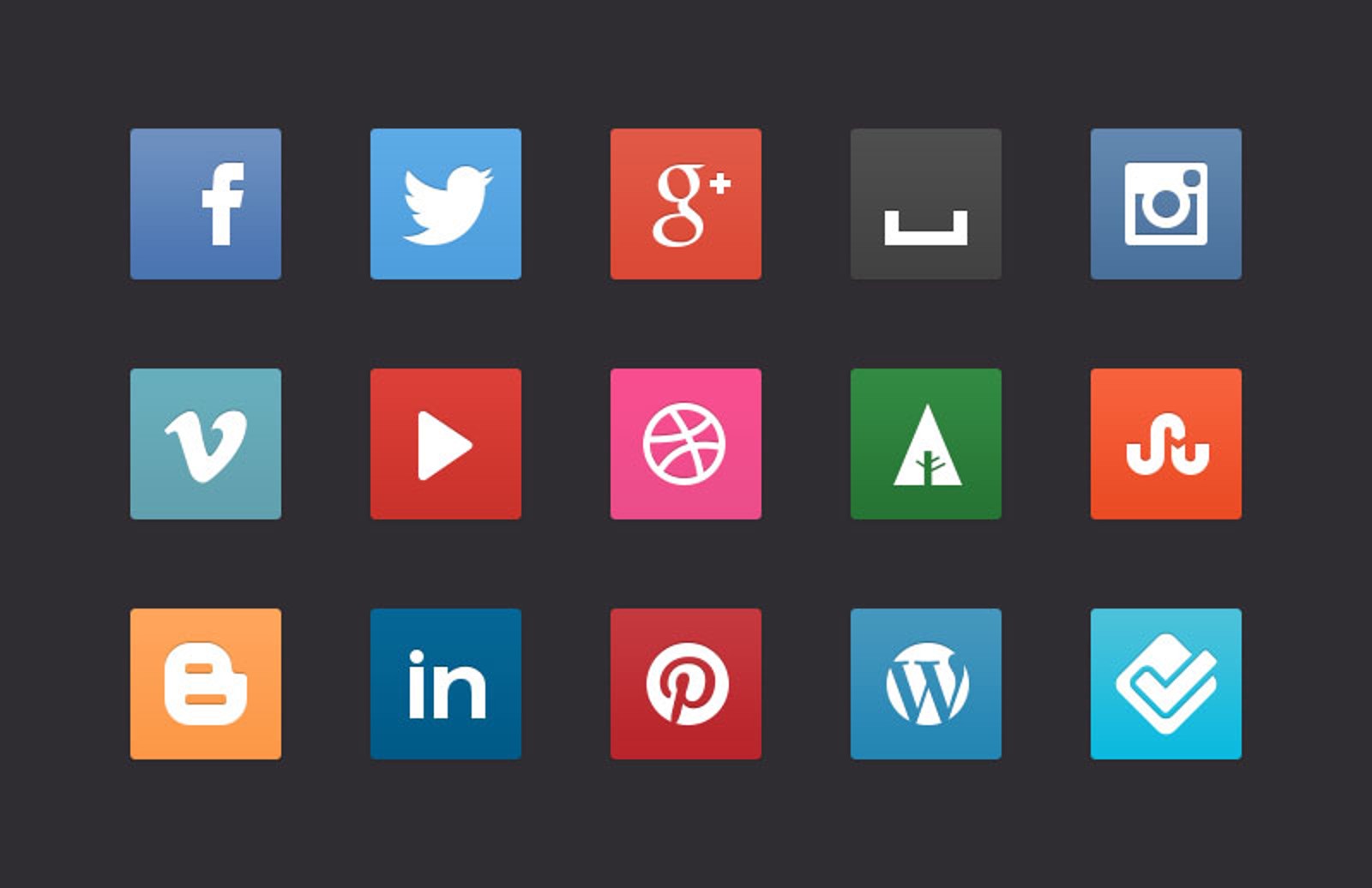
Free CSS3 Social Media Buttons
Our free offering this week is a set of social media buttons created entirely with CSS3. No images were harmed or used in the creation of these buttons, so the result is a set of beautiful buttons that look great whether you view them at their native size, smaller than that, or if you zoom in 6400%. If you’re wondering how this is possible, we have created a web font containing the social media glyphs especially for this resource (included in the package). Have fun with these!
Live Preview
Browser Support
The buttons have been tested with:
- Internet Explorer 9
- Google Chrome
- Safari/iOS
- Mozilla Firefox
Free License
Feel free to download and use this item for both personal and commercial projects with attribution back to MediaLoot. Please note:
- Attribution is required for free items. For a non-attribution license, please become a member or buy the full version.
- You may not distribute or offer this set for download on other websites. Promotion is always appreciated, but please send people to this page.


Comments
What a great sharing, thanks so much!
Absolutely awesome!!! made round icons just by changing:
radius:3px; to radius:22px; in CSS
nice share..thanks for being generous..
Awesome! Thanks
Thanks for the share, when I tried installing the ttf font on my mac (10.7) it complained about name table usability and name table structure and didn’t install correctly. Seems to work in web browser though but thought I’d let you know.
Thanks for the comments!
@Carlos Andres Cortes: that’s a great tip, thanks for sharing.
@Peter Simmons: no need to install the font, it should just work as long as the CSS can find the font files. We have put WebOnly protection on the font too so that it can’t be installed as it is.
Beautiful and elegant, an an evergreen contribution to the Social Networking look and feel we are seeing in the future.
Thanks for this…
Perfect! Thanks a lot.
I’m going to share this on my blog
Thanks for all the great freebies. So much appreciated
Very clever. Thanks!
Hello
Thanks a lot for the sharing. They look like really awesome. I would like that someone can help me to use them. I am not programer and not know where to copy the code. I use wordpress for my sites, but never have written code lines.
Thanks to everybody
Very nice work, and your demo CSS is very easy on the eyes. Can’t wait to use these on our next project, thank you!
Nice Glyphs and very easy to integrate in any website as the layout is fully customizable. perfect ! thanks
“No images were harmed” That was funny!
Thanks for the buttons.
Hey Tony,
how can i use them as hover from grey to colored (a slow transition that happens).
what we call that type of action?
im also a graphic designer but dont know much about that css stuff.
Hi Mike
Yeah that should be pretty easy. Assuming a basic understanding of css here: just copy and paste the class so you have two sets of the same properties, then add :hover to one and change the background to grey on the other.
For the transition look into CSS3 Transitions.
Please how and where do I learn CSS fully? I’m really interested in it.
@Emmanuel there are lots of free resources and tutorials online to help you learn CSS. W3Schools is probably a good place to start.
Hi,
I have a paid subscription to MediaLoot and the “Files included” mentions an OTF file. I can’t find it in the downloads at all.
It would be nice if you could include that so I can implement them into my designs as fonts so my CSS guy knows exactly how I want them.
Hi Jordan
Mentioning the OTF file was my mistake (it’s a habit to just tick all of the font types when posting). Sorry about that, but we’d prefer not to widely distribute a font that has been specifically designed for a single purpose.
I know that you’re a loyal member though so if you send an email to support, I’ll make sure you get a reply with the file.
Excellent Work. I will use this on my Websites and Blog. Thx.
This is great for our site but I can’t get the font to show up in IE 8 and we need to be backwards compatible. When we implement on our site it works in Chrome ok but IE 8 and 9 the font is not showing. It could possibly be conflicting with other CSS on our site but I am wondering if anyone has tested this in IE8? When I bring up your test page in IE8 the buttons show with large letters A,B,C… and the correct font shows when I hover over the button. When on our site the button shows but no letters A,B,C… and no font on hover in IE8 and IE9. We do not know CSS very well so any help would be appreciated. Thanks
I really liked your artificial social button
I was inspired to create a button that good social
Thank you and ask permission to download
Thanks for these icons.