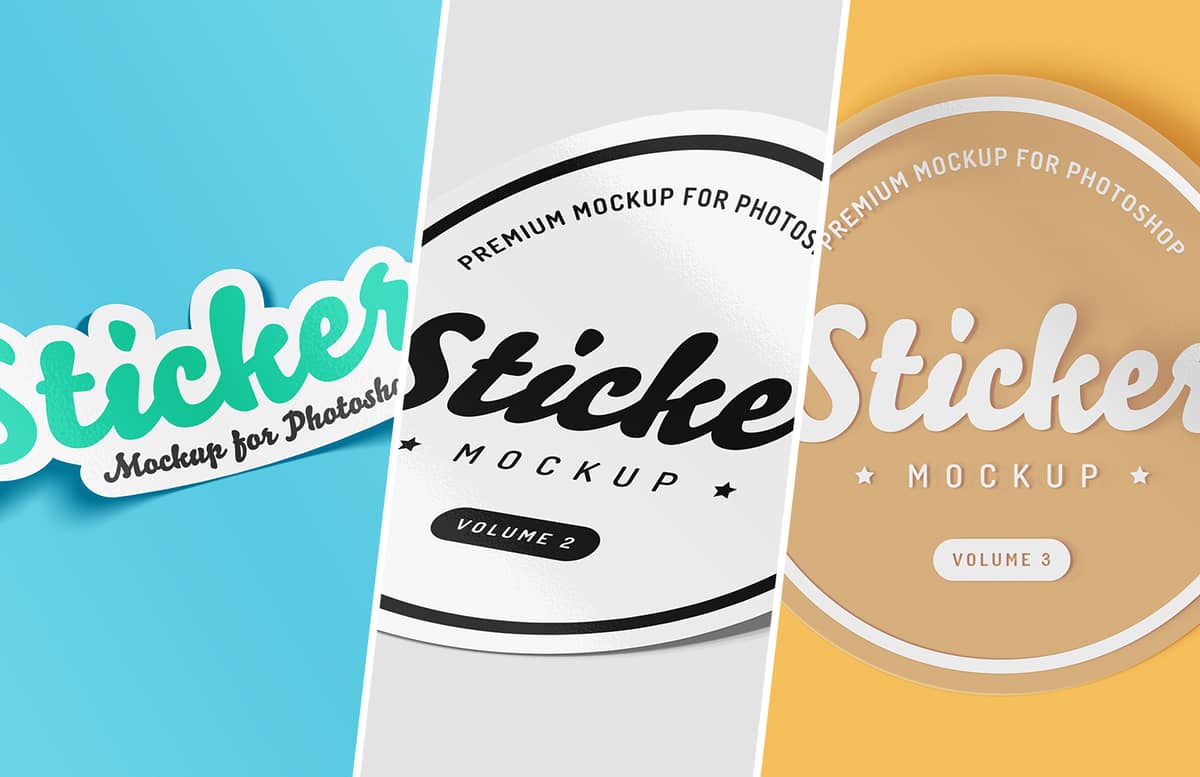


Sticker Mockup Collection for Photoshop (PSD)
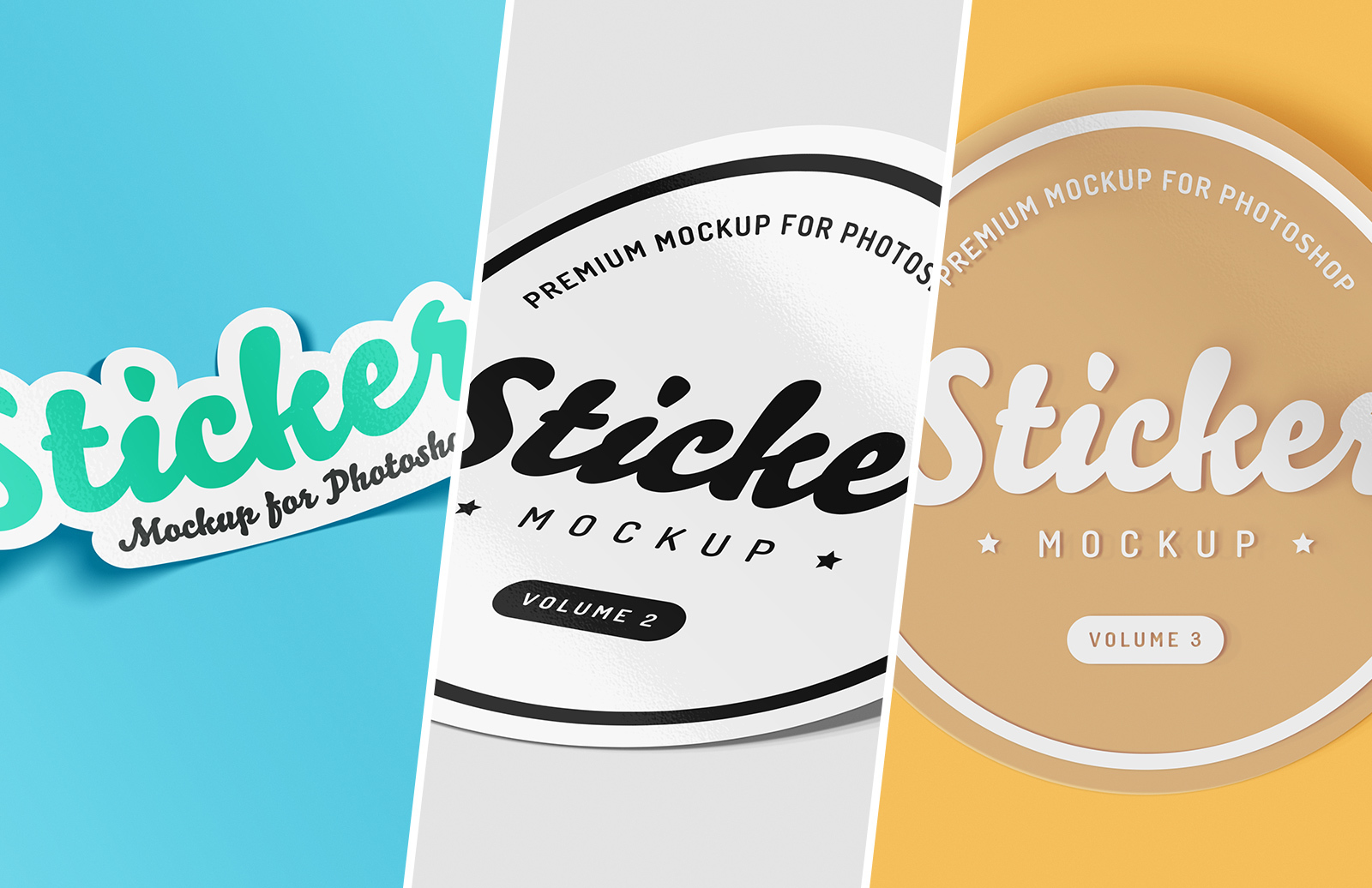


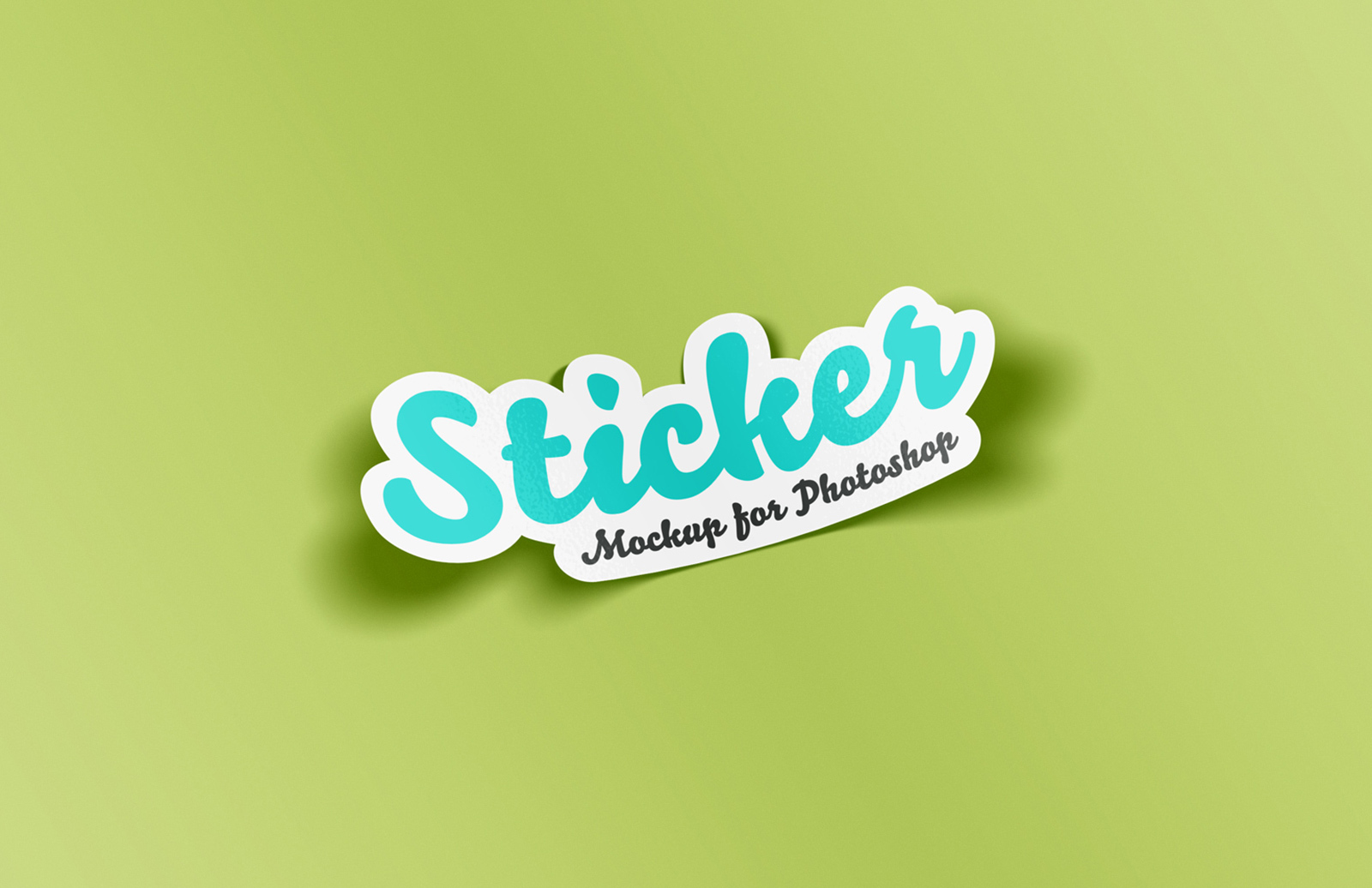


Realistic Stickers for Easy & Beautiful Design Mocks
With the trend of the '90s coming back, sticker designs are suddenly everywhere again. This is the perfect resource to keep up with the pack. It's a simple Photoshop packet filled with an assortment of templates for making your own designs look like lovely stickers. Because whether you're trying to recall some nostalgic era or connect with the millennial crowd, bright, loud, and playful stickers are a great bet.
Rather than do all the work of building your own, this Photoshop package allows you to put your own designs in a perfectly sticky mockup, to get that just-peeled look. The results are perfect for online store images and social media posts. Simply update the Smart Objects with your own artwork and you'll immediately have a beautiful psd sticker.
There are so many new styles of images being promoted these days, sometimes you have to think (stuck on the) outside of the box. These mockup templates are a nice and easy way to stand out. Try it out: the results are awesome and your happiness is guaranteed.
Features

While there are many other free designs out there, none have the realism or ease of use of these sticker mockups. Made specifically for photoshop: this mockup PSD uses all of the tools you're familiar with and produces easily the best result. It's super simple to use, and works in the Smart Objects layers of Photoshop for quick and easy uploading and editing.

Included in the photoshop files is an option to have an automatic white border. It's great for those retro-looking chunky stickers to paste on a locker mockup or skateboard image.

Some of these mockups work best with round designs that have a square-ish (1:1) aspect ratio. They will still work on other designs but the curl effect may not be very clear. Depending on the shape and dimensions of the design that you use, the shadow position may need to be tweaked. To do this select any linked shadow layer and move it so that the left edge of the shadow meets the left edge of the sticker.
How to use:
- Open Sticker Mockup for Photoshop.psd in Photoshop CC
- Double click the Smart Object layer thumbnail
- Replace the sample artwork with your own design
- Save and close the Smart Object
- Adjust shadow position (if needed)
Important Note:
The official requirements for this item are Adobe Photoshop CC. We have included CS6 versions of each file, however due to limitations with the blur effect, the shadows are flattened and as such you can not update the overall shape of the sticker, it must be a circle.
Related Goodies and Freebies
Don't want to buy the package? You can make your own!
Sticker Mockup Tutorial

This awesome tutorial will teach you exactly how to create that realistic bubbly sticker look, with reflective, texture quality included! It requires Adobe Photoshop, and will teach you to use Smart Objects, Layer Styles, Transform, and the Glass filter.
Vintage Badges

A beautiful design resource that will look perfect on a sticker ;) This set has 8 lovely vintage-style vector seals and badges to put on your new sticker mockup. They pack comes with badges supplied in Adobe Illustrator and EPS format. Since they're vector you can scale them up to any size (Billboard-style sticker mockup anyone?)
Paid License
By purchasing or downloading this item you are agreeing to abide by all terms and conditions laid out in the MediaLoot License Agreement. View the full license >
More from Mockups > Stationery & Paper


Newest Designs:


All Tags
Professional Customization

This package is for a professionally created mockup based on this Medialoot resource. We will customize your design and content to look just like the preview images but with your images, logo, text, and colors.
What we can do:
- add your text, images, and/or logo
- change the colors of the mockup
- change or add a background image behind the mockup
- resize and deliver at your specifications
What we can't do:
- change the mockup itself: what you see in the previews is what you'll get
- change the perspective of item being mocked-up
- create a mockup that's different from this resource
- add or design other elements that aren't shown in the previews
Deliverables
Our designers will send you the final customized mockup in high-resolution PSD, PNG, or JPG formats, along with all source files used to create it. You'll get a complete license to use these source files and this resource. Current turnaround time is 1-2 business days depending on complexity.
A single round of revisions is included: we can make one round of tweaks if you aren't happy with something. If need more revisions or want something that isn't included we can probably do that for you at our standard rate of $85/hr.
100% money-back guarantee. No matter what the reason, if you aren't happy we'll send you a refund.
Upgrade to PRO?
The PRO version has way more benefits. Ongoing support, updates, commercial license, and more.
- 100% money-back guarantee
- Lifetime download access
- No-attribution commercial use
X
Comments