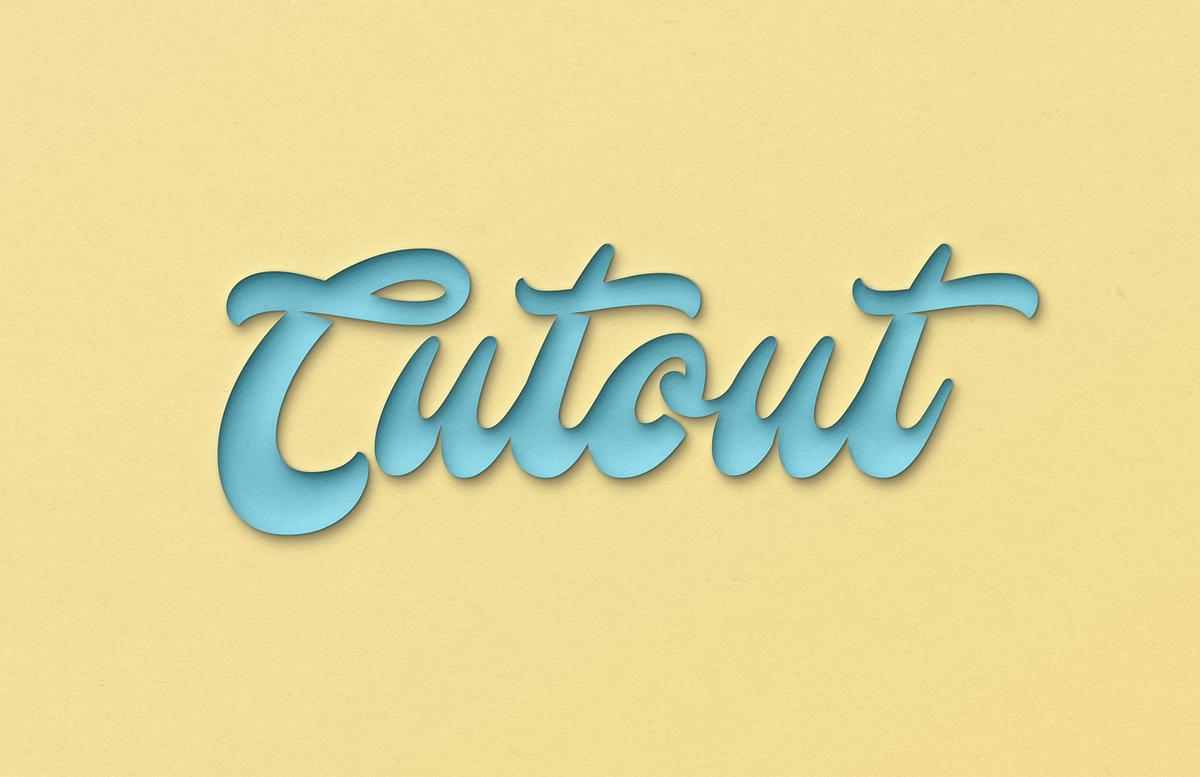


Create a stunning cutout card effect using this mockup for Photoshop. This file uses lighting effects to produce an impossible illusion of the cutout section being both in the foreground and background depending on how you look at it.
The effect is compatible with text, logos or shapes, but works best with simple designs. Any colors can be used and the effect can be tweaked inside of Photoshop to suit your design.
How to use:
- Open 'Cutout Effect for Photoshop.psd' in Photoshop CS6+
- Double click on the Smart Object layer thumbnail
- Replace the sample artwork with your own graphics
- Save and close the Smart Object
- Choose fill colors for layers 'Color 1' and 'Color 2'
- If required, adjust the opacity of 'Effects' and 'Lighting' groups
Font Used
The font used in the preview is Mustardo
Paid License
By purchasing or downloading this item you are agreeing to abide by all terms and conditions laid out in the MediaLoot License Agreement. View the full license >
More from Graphics > Styles & Effects


Newest Designs:


