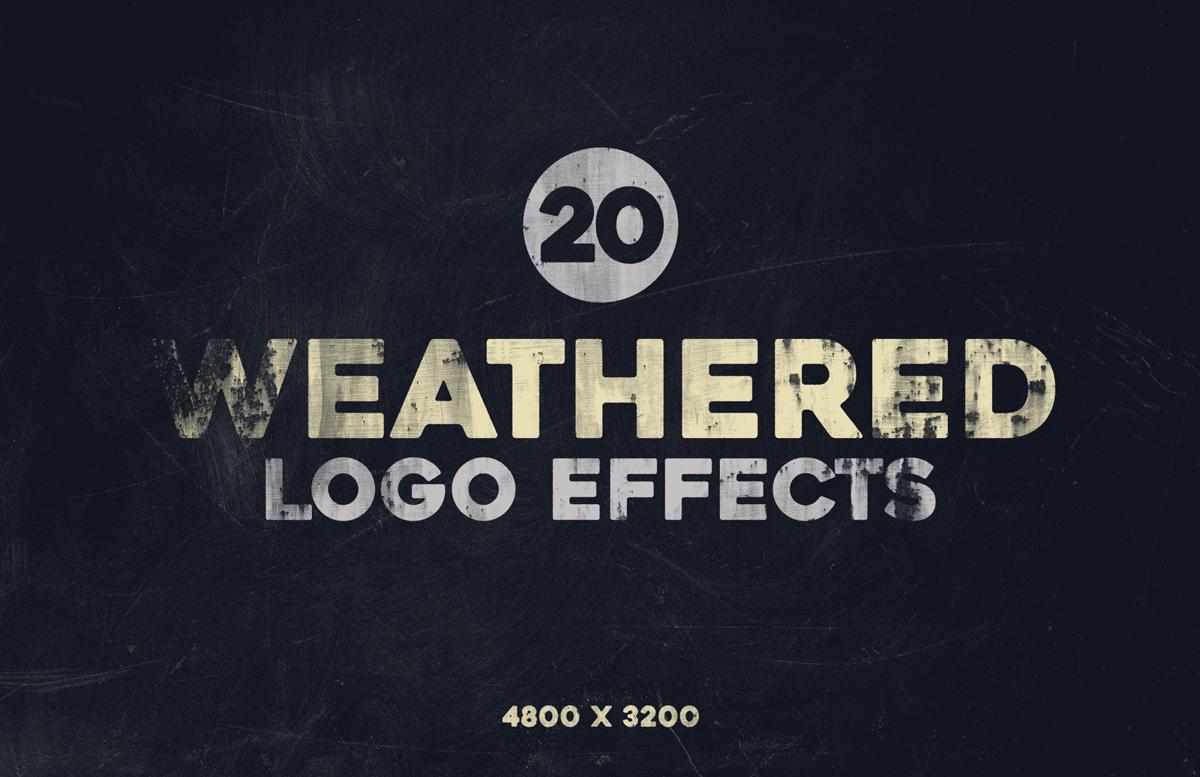


With the Weathered Logo Effects for Photoshop, you can instantly give your logos, badges, text, or graphics a rugged and worn look by simply replacing a single Smart Object with your own design. Featuring 20 different effects, this set is perfect for creating vintage, rustic, or distressed styles that stand out on posters, banners, packaging, advertisements, and more.
You can easily adjust the design color with a single layer and change or replace the background to match your project. The download includes a single .PSD file made at 4800 x 3200 px with a 72 dpi resolution, neatly organized with all the elements needed to achieve authentic weathered effects in just a few clicks.
How to use:
- Open the included .psd file in Adobe Photoshop.
- Double click on the red labelled layer named "Your Image Here".
- Place your graphic in the new document, save it and close it.
How to Change Colors:
- Double click on any of the green labelled "[Change X Color]" layer thumbnails.
- Pick any color from the Color Picker window and click OK.
How to Change the Effect:
- Expand the "Effects" layer group.
- Turn on/off any of the 20 effect layers.
A quick tip:
- Experiment turning on/off a few different layer effects at the same time and changing the opacity to get a new weathered effect.
Paid License
By purchasing or downloading this item you are agreeing to abide by all terms and conditions laid out in the MediaLoot License Agreement. View the full license >
More from Graphics > Styles & Effects


Newest Designs:


