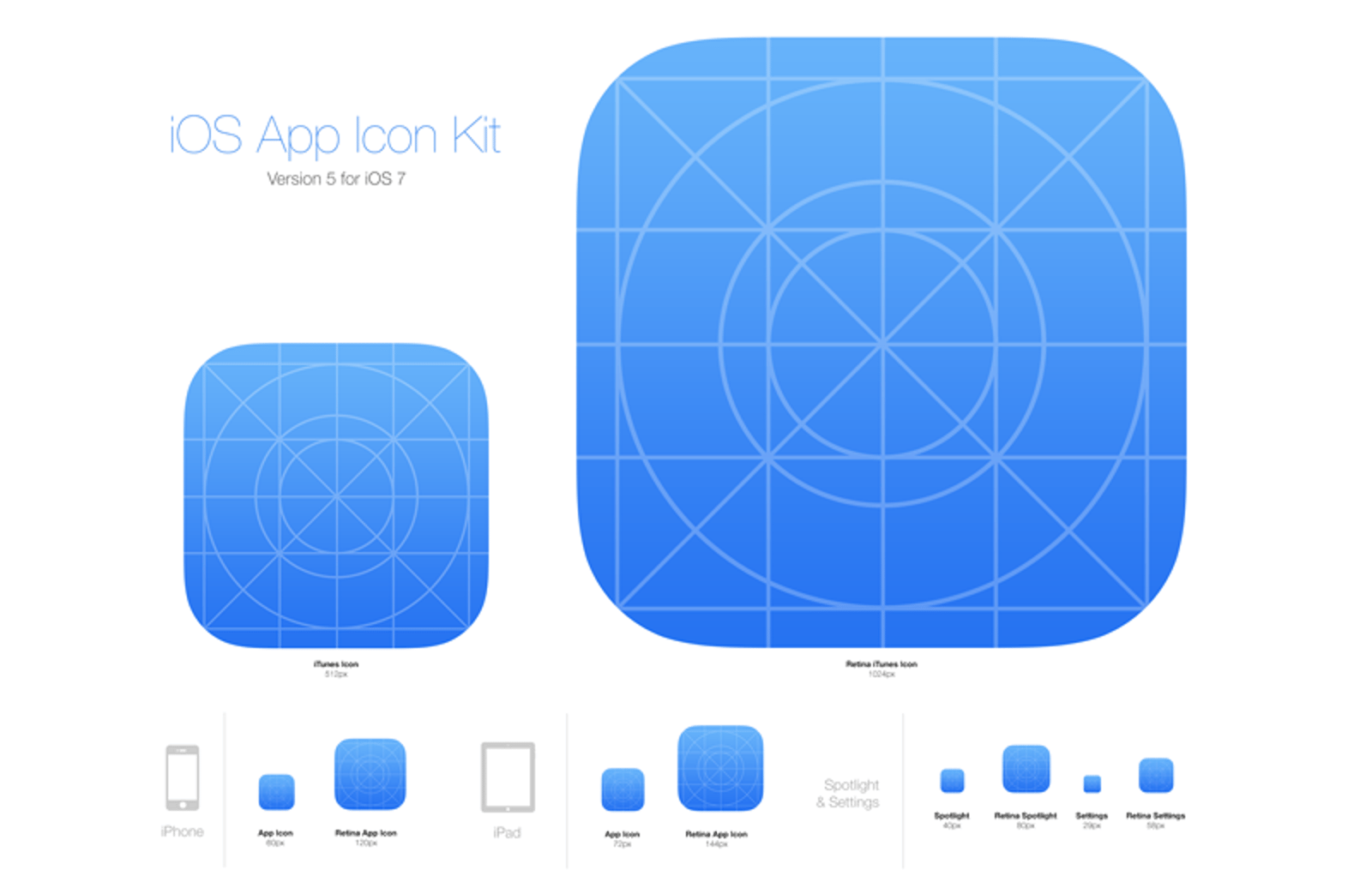
iOS App Icon Kit 4.1
This build-your-own iPhone icon kit comes complete with 20 sample vector icons and various backgrounds for hundreds of possible combinations. Using vector shape layers for easy customization, and Smart Objects for automatic updating of icon sizes, this kit makes it a breeze to create your own high quality quality, gorgeous iPhone, iPad and iOS application icons.
Hundreds of Combinations
Select your background style, select your favorite icon, all done! Easily use your own background or vector icons, with a resource like this icon set you can have a customized and unique icon for your application within minutes.
Works for Android icons too!
This set was originally intended for iPhone and iOS app icons, but it also exports into most of the common Android and Windows Phone 7 sizes as well. Use it to make any mobile app look its best, regardless of what platform you prefer to develop with.
Thank you, and enjoy!
Free License
Feel free to download and use this item for both personal and commercial projects with attribution back to MediaLoot. Please note:
- Attribution is required for free items. For a non-attribution license, please become a member or buy the full version.
- You may not distribute or offer this set for download on other websites. Promotion is always appreciated, but please send people to this page.


Comments
How do i actually save the icon itself?
Hi Sebastian,
First make sure that the effects are turned off and the background is hidden. Then:
You go to File -> Save For Web and all of the the slices will show there. Make sure each slice (the icon slices) are set to PNG format, and you can click “Save” when you’re ready.
All of the icons will be exported to a folder and you should be good to go!
Good luck,
—Mason
With the effects turned off the edges arent round. What am I doing wrong?
Hi Brent
You aren’t doing anything wrong, Apple only accept app icon submissions with flat 90 degree corners, the gloss and rounded edges are applied automatically later, so in the set the effects layers are just emulating what the final product would look like in the store
Hope that helps
Very useful resource, this will come in hand later down the line. Thank you!
Awesome kit.Thank you
Many thanks! This will come in handy…
awesome man! thks a lot
Thanks for the many great resources, this website is a constant source of creative inspiration. Love the freebies
Awesome, thanks!
Awesome set of iphone design goodies. Thanks!
Excellent stuff thanks for sharing!
This is awesome, saved me lots of time. Really good for some quick ideas and inspiration.
Microsoft has been suing manufacturers that install Android on the devices they sell
Way to go on this essay, heepld a ton.
Very nice design kit! It seems there is a mobile app for just about everything these days so being able to easily design your own logo may help your app to stand out from the crowd. I am happy to see how far mobile devices have come in the past few years, and I don’t see any sign of the technology slowing down!
There are so many apps available these days, but I believe that it is much better to take pains and create smth on your own. I haven’t had such an experience so far, but after I found this kit, I’m gonna give it a shot.
Found some items marked as FREE download… what does it mean exactly? Because i am redirected to register a paid account… do i miss something?
Very helpful little kit! Perfect for editing and using my own icons to showcase for clients.
in fact these type of information regarding iphone made my day and people appreciate this type of information
I see that apple is now requiring a size of 1024x1024. does this kit offer that?
I will be forever grateful if you add 1024x1024!!!
Useful! Thx
I’d love to see 1024x1024 updates to all of the app icon templates.
There are so many apps available these days, but I believe that it is much better to take pains and create smth on your own.
I haven’t had such an experience so far, but after I found this kit, I’m gonna give it a shot. Very helpful little kit!
Is there a tutorial on how to use this PSD file to create different icons? I’m not familiar with PS, so I’m having a difficult time trying to figure out how to actually save this thing.
Any help would be appreciated…
Can the icons be exported using Gimp? If so, how is that done?
Is it possible to use this in Fireworks? If not, can we please have the backgrounds/samples in separate files? I can only see one icon. I purchased the older version as well and it’s the same thing. Thanks!
iOS App Icon Kit has been updated (version 4.1) and now includes a Photoshop action to export all icon sizes!
The export action Rocks! I have very limited photoshop skills and this makes the export process super easy.
Two questions. First, the export action file is not opening properly in Photoshop. Is there a special way to get this part of the package to work? Second, if we are creating icons for our own personal use on our iPhone rather than for submission to the AppStore, what is the easiest way to round out the edges and remove the black border that is left behind? Thanks!
It says SAFARI CANNOT DOWNLOAD FILE :(