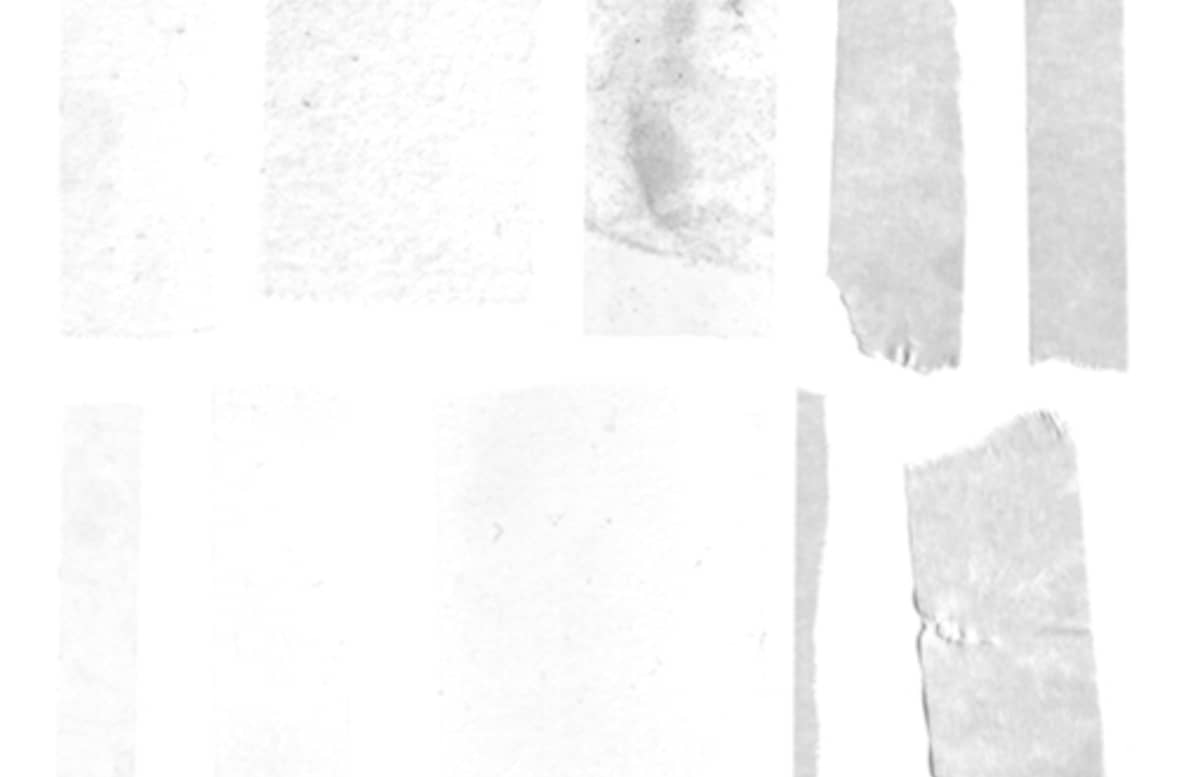

Adhesive Set - 20 Tape Brushes
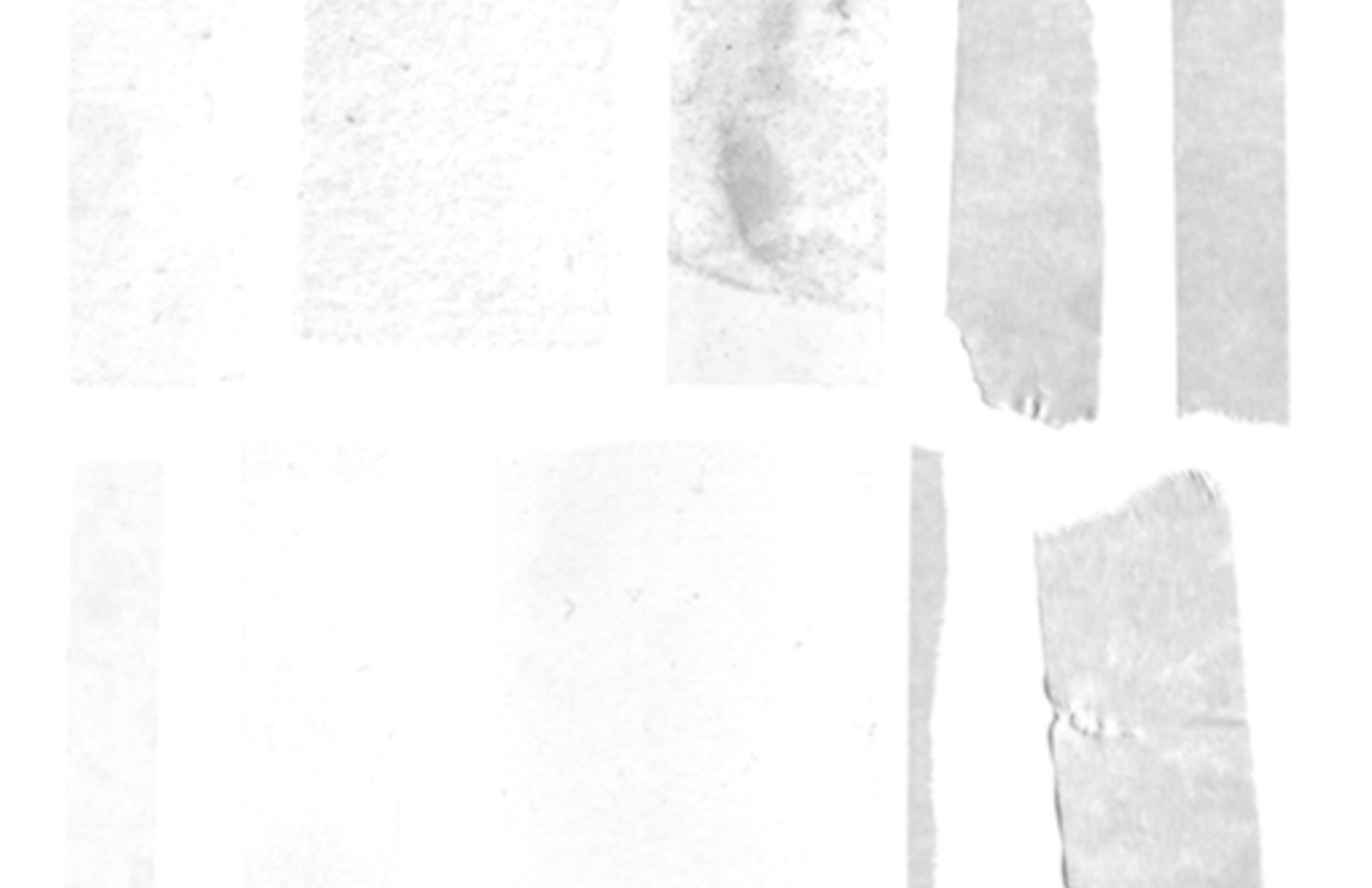
- Save the resource file and extract the ABR file to a directory you can remember
- Open an existing Photoshop file or create a new document
- Find the brush palette, or open it by going to Window >> Brushes
- In the upper right of the brush palette there is a small down arrow next to a set of lines, this is the extended menu.
- Click on the extended menu and find the option to “Load Brushesâ€
- Find the extracted ABR file and click okay. This should populate the brush palette with your new styles.
- Create a new layer, and select the brush tool, and pick one of the new brushes.
- Have fun ;)
Paid License
By purchasing or downloading this item you are agreeing to abide by all terms and conditions laid out in the MediaLoot License Agreement. View the full license >
More from Graphics > Brushes






Newest Designs:


All Tags
Professional Customization
Order Custom Now — $Upgrade to PRO?
The PRO version has way more benefits. Ongoing support, updates, commercial license, and more.
- 100% money-back guarantee
- Lifetime download access
- No-attribution commercial use
X
Comments