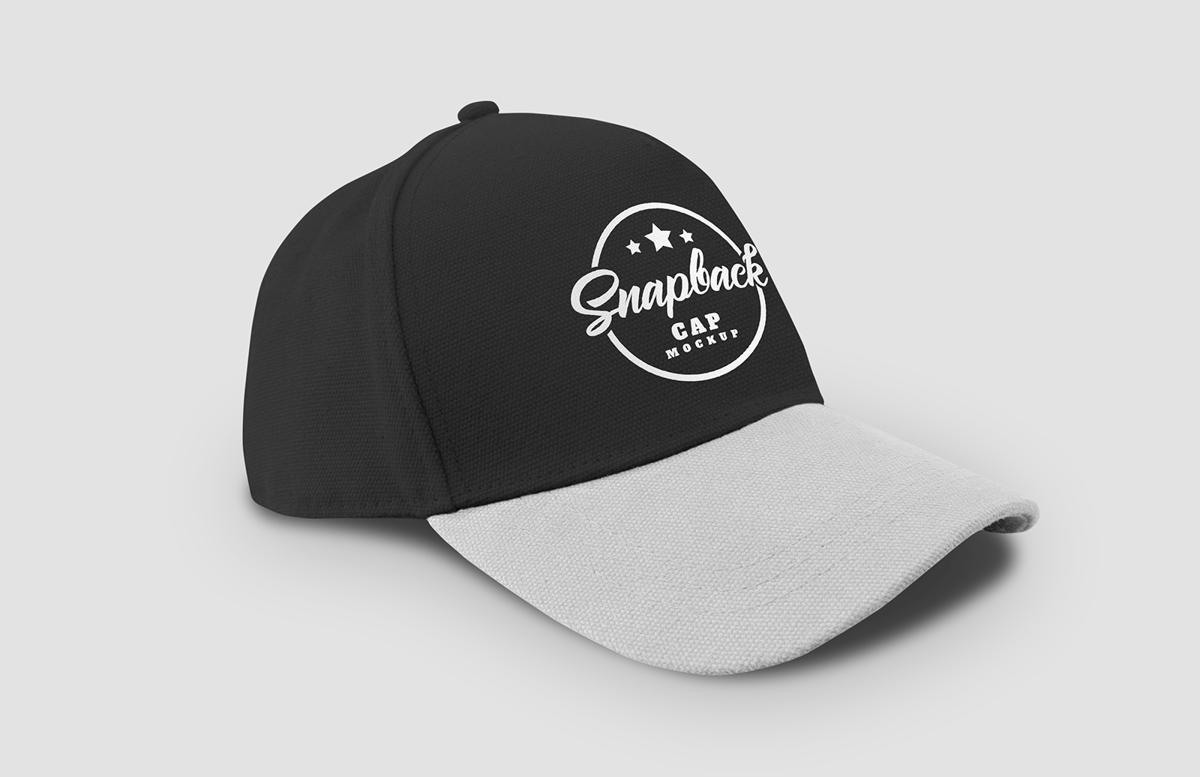


Showcase your logo or custom designs using this snapback baseball cap mockup for Photoshop. Simply place your graphics into the smart object and save to update the mockup and see your design on the hat.
This mockup features an angled snapback cap, your design will automatically wrap around the cap in a realistic way. We have included a guide line inside the smart object in Photoshop to let you know roughly where the end of the cap is. However it is also possible to exceed the visible area of the cap if that is your desired effect.
How to use
- Open 'Snapback Baseball Cap Mockup.psd' in Photoshop CS6+
- Double click on the blue labelled 'Design' smart object thumbnail
- Replace the placeholder artwork with your own design (show guides to see the visible area)
- Save and close the smart object
- Locate the 'Top Color' and 'Top Brightness' adjustment layers
- Use the sliders in the Properties window (Window > Properties) to adjust the colors
- Locate the 'Bill Color' and 'Bill Brightness' adjustment layers
- Use the sliders in the Properties window (Window > Properties) to adjust the colors
- Double click on the 'Background Color' layer thumbnail to choose a new background color
Paid License
By purchasing or downloading this item you are agreeing to abide by all terms and conditions laid out in the MediaLoot License Agreement. View the full license >
More from Mockups > Fashion & Apparel


Newest Designs:


