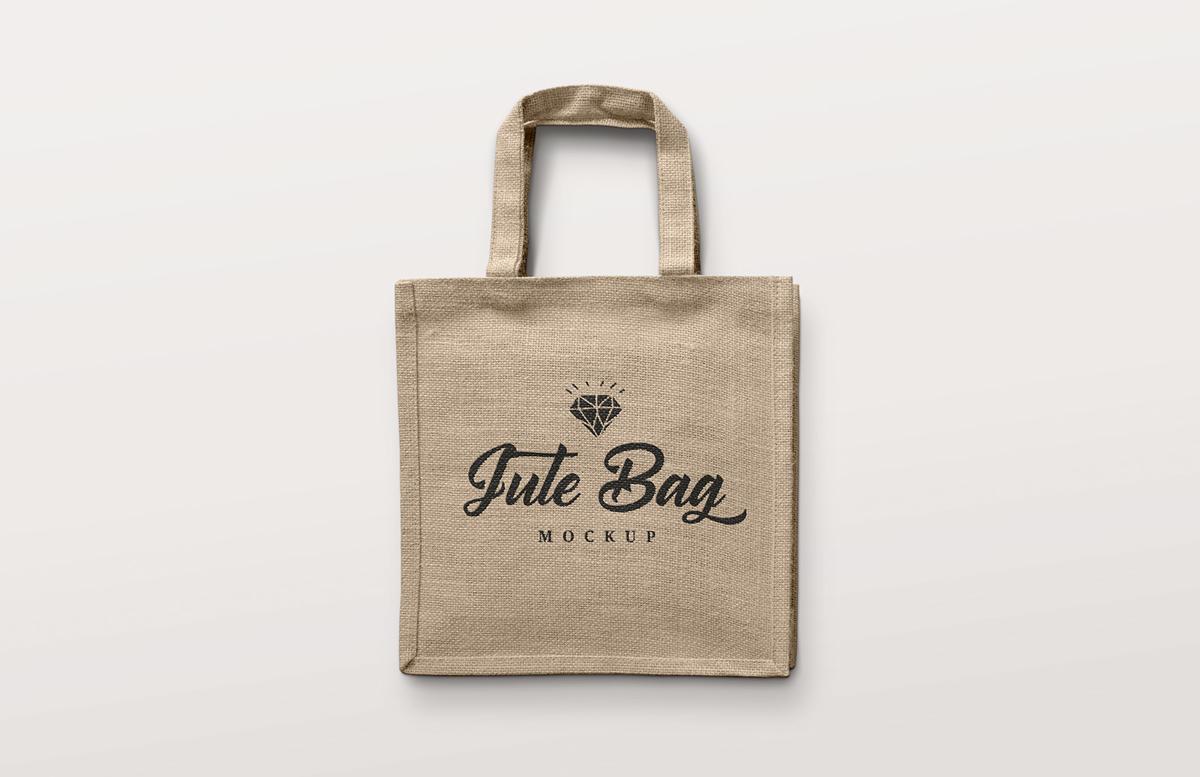


This high resolution mockup for Photoshop allows you to place your custom designs, logos, patterns or any other graphics onto a square jute shopping bag. You can adjust the colors of the fabric, handles and background all separately.
How to use
- Open 'Jute Bag Mockup.psd' in Photoshop CS6+
- Right click on the [YOUR DESIGN HERE] layer and choose Edit Contents
- Update the sample design or add your own
- Save and close the smart object
- Double click on any of the green labelled layers' icons
- Choose a new color using the color picker
Note on Displacement Maps
If you get an error when updating the smart object, or if the design is not conforming to the texture of the fabric, you need to tell Photoshop where the displacement file is located. Expand the fx dropdown on the [YOUR DESIGN HERE] smart object layer, double click on Displace and click OK, then open the corresponding displacement map file included with the download.
Paid License
By purchasing or downloading this item you are agreeing to abide by all terms and conditions laid out in the MediaLoot License Agreement. View the full license >
More from Mockups > Fashion & Apparel


Newest Designs:


