

Create a 3D text Effect Using Smart Objects in Photoshop
In this tutorial, i will show you how to create a 3D text effect using 1 single Photoshop Smart Object (that you can use an unlimited number of times just updating the text), and multiple layers of the same object with different layer effects applied to them. ...Read more

How to Draw a Geeky Graphic Designer Girl with Illustrator
This tutorial will show you how to draw a graphic designer mascot using basic shapes, the pen tool and pathfinder operations in Adobe Illustrator....Read more
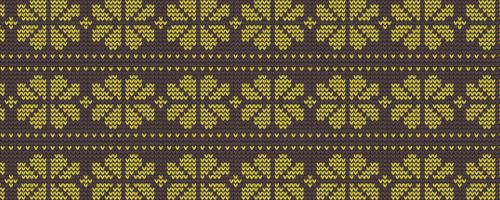
How to Create a Seamless Fair Isle Knitted Winter Pattern in Illustrator
This fun tutorial will teach you how to create a seamless vector knitted fair isle pattern using Illustrator. This quick and easy technique can also be used to create your own custom patterns....Read more

How to Create a Vector Festive Bauble Ornament with Sketch
This tutorial will use vector shapes, the pen tool, boolean operations and other features in Sketch to draw a festive decorative bauble with a snowflake design from scratch....Read more

How to Create Realistic Snow Overlays with Photoshop
This technique for Photoshop combines snowflakes, bokeh and rain to create a realistic snow overlay which can be used on photographs....Read more

How to Make a Full-Featured Font using Custom Letterforms from Illustrator
This tutorial is a follow up to one of my older posts on how to create custom letterforms in Illustrator, this time showing you how to take vector letterforms from Illustrator and convert them into a full font that you can use in your designs....Read more

Create Legible White on White Text with Photoshop
This tutorial will teach you how to create a long shadow and use subtle lighting techniques in Photoshop to make white on white text that is not only visible but also legible (at a decent enough size of course)....Read more

Create Confetti Shapes Quickly and Easily in Illustrator
In this tutorial we will create a scattered confetti effect. This effect could potentially be very time consuming to draw, resize, rotate and rearrange each shape manually, so we will use Scatter Brushes to simplify the whole process and make it much more fun!...Read more