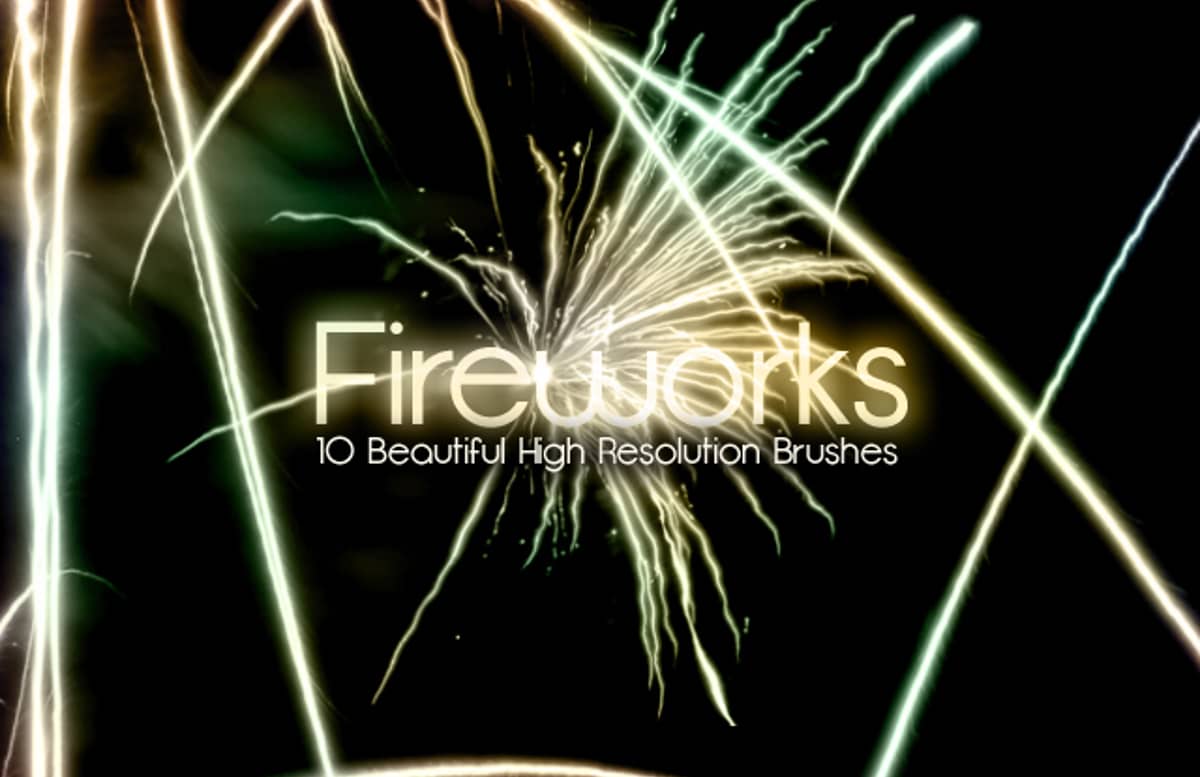


Fireworks Brushes


Using the Brushes:
- Save the resource file and extract the ABR file to a directory you can remember
- Open an existing Photoshop file or create a new document
- Find the brush palette, or open it by going to Window >> Brushes
- In the upper right of the brush palette there is a small down arrow next to a set of lines, this is the extended menu.
- Click on the extended menu and find the option to “Load Brushes”
- Find the extracted ABR file(s) and click okay. This should populate the brush palette with your new styles.
- Create a new layer, and select the brush tool, and pick one of the new brushes.
- Have fun

Paid License
By purchasing or downloading this item you are agreeing to abide by all terms and conditions laid out in the MediaLoot License Agreement. View the full license >
More from Graphics > Brushes





Newest Designs:


All Tags
Professional Customization
Order Custom Now — $Upgrade to PRO?
The PRO version has way more benefits. Ongoing support, updates, commercial license, and more.
- 100% money-back guarantee
- Lifetime download access
- No-attribution commercial use
X
Comments