


Stationery Mockup Template
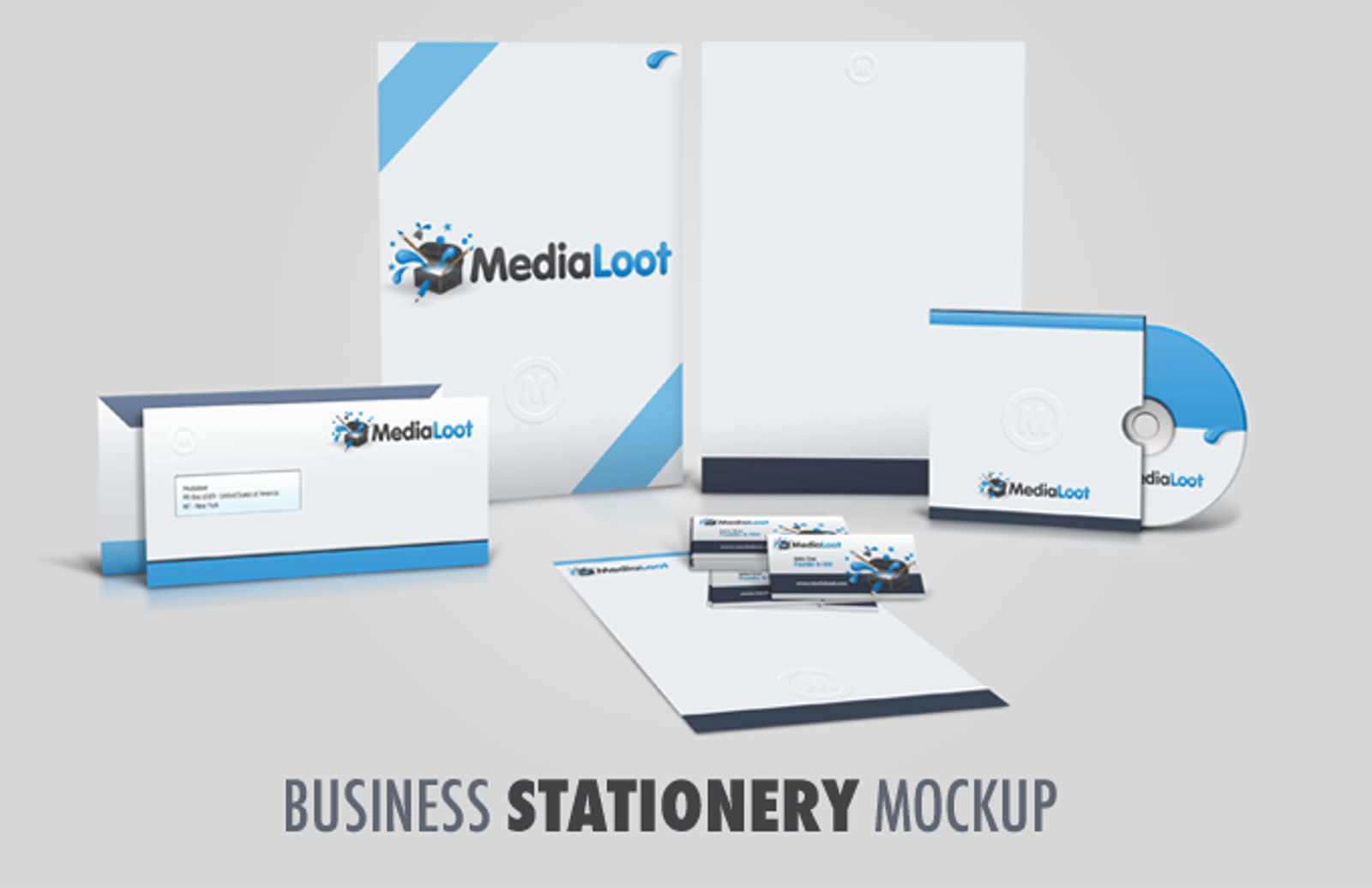


Present your entire business stationery in style with this mockup template. Just add your own artwork and Photoshop will take care of the rest!
Editing the file it´s very simple and just require 3 steps:
- Expand the layer group named "EDIT" (green colour)
- Double click on the thumbnail of any layer inside this group to edit each object. This will open a new file
- Edit this file as you want, or paste any content inside. Save it, and close it. Now the main file is updated with your design.
Please make sure that your version of Photoshop supports Smart Objects before downloading.
Paid License
By purchasing or downloading this item you are agreeing to abide by all terms and conditions laid out in the MediaLoot License Agreement. View the full license >
More from Mockups > Stationery & Paper




Newest Designs:


All Tags
Professional Customization
Order Custom Now — $Upgrade to PRO?
The PRO version has way more benefits. Ongoing support, updates, commercial license, and more.
- 100% money-back guarantee
- Lifetime download access
- No-attribution commercial use
X
Comments